
Before registering a device into Windows Autopilot, we need to confirm the device Brand and Model information. This article explains how to quickly locate those details from a Windows device.
Please provide to the support engineers the following information:
- Brand (manufacturer of the device, e.g.. Dell, HP, Lenovo)
- Model (e.g. Latitude 5420, Thinkpad T480)
- Serial Number or service tag
You may find this information in one of the following locations:
- Printed on the original device box
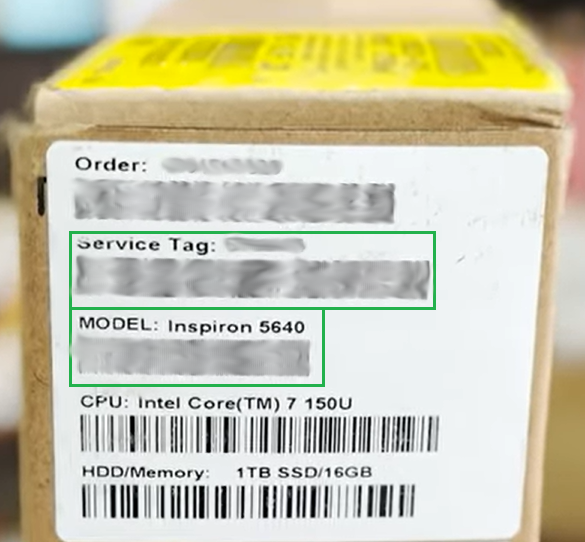
- On a sticker or label attached to the laptop or desktop
- Directly from Windows using the steps below:
- Click the Start button (Windows icon located at the bottom-left corner of the screen).
- Type:
System Information
- Open the System Information application from the results.
- In the new window, locate the following fields:
- System Manufacturer → This is the device Brand
- System Model → This is the device Model
- Send us the information displayed there.
A screenshot of the System Information window is also acceptable if that is easier.
Comments
0 comments
Please sign in to leave a comment.